Exely PMS now provides direct access to WhatsApp, Telegram and Viber right from the booking details card, guest details card, and booking preview window.
Pay attention. Viber is available only for properties located in Albania, Armenia, Bulgaria, Georgia, Greece, Israel, Kuwait, Moldova, North Macedonia, the Philippines, Qatar, Romania, Serbia, Thailand, UAE, Ukraine, and Vietnam.
How it works
If a guest’s profile contains a phone number, special buttons appear that open messengers.
When you click the button, the web version of the corresponding messenger is opened and a chat with the guest is immediately launched — there is no need to add the guest to your phone contacts beforehand. Any phone number format is supported: without “+”, with “+”, with parentheses, or with dashes.
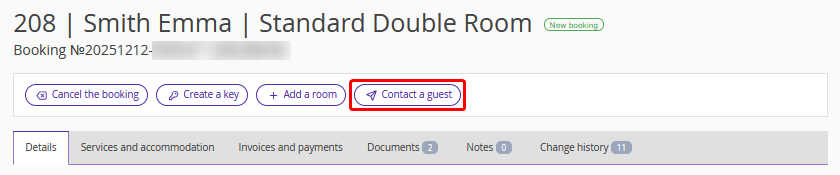
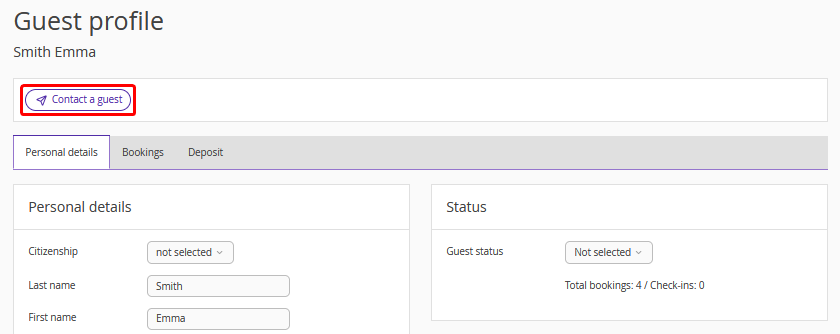
You can start a chat from:
The booking details card:
Guest details card:
The booking preview window:

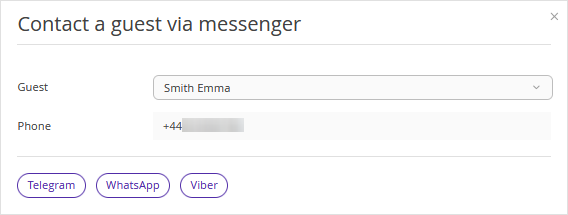
When clicking the “Contact a guest” button, a “Contact a guest via messenger” window is opened. To open the preferred messenger, click the corresponding button.
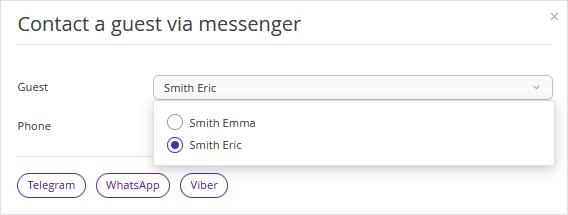
If there are several guests in the booking, select who you want to contact.
If a desktop messenger is already installed on your computer:
1. First, a browser with the web version of the messenger will be opened.
2. The browser will suggest switching to the desktop app.
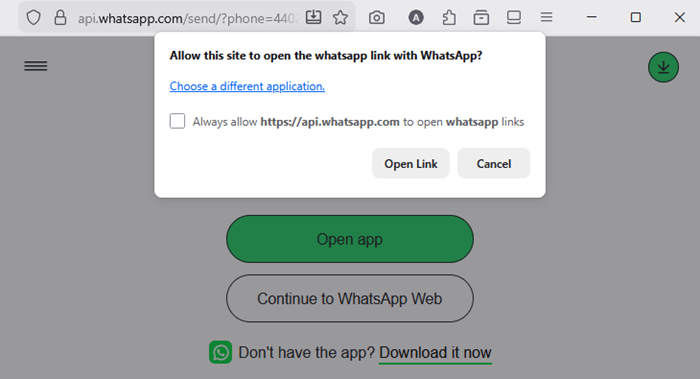
3. A prompt to save your choice using a checkbox will be shown.
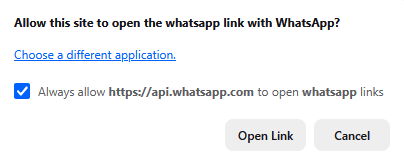
Tick the checkbox to have the desktop app opened automatically without intermediate steps next time.
