In the “Website builder” > “Content management”, there is a “SEO” section in each tab. Fill it in to improve your website's position in search engines. A properly set up SEO section helps a website to rank higher when searching for your property name.
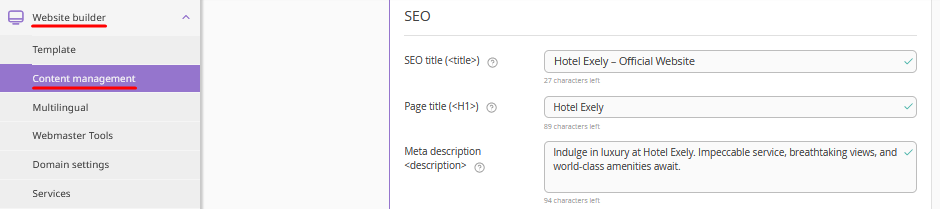
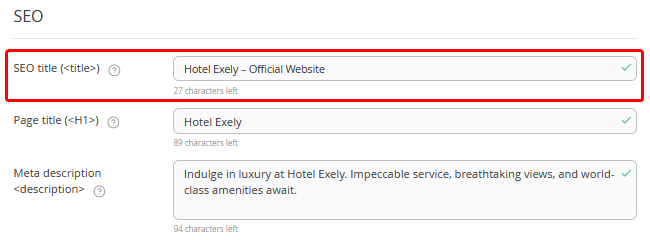
SEO title (<title>)
Title (<title> tag) is the title of the page that is visible in search results and in the browser tab. It helps search engines understand what the page is about and how relevant it is to the user's search query.
For example:
Hotel Exely — official website of the hotel.
It is recommended to use a consistent template for SEO titles across all pages.
For example, you could structure your SEO titles as follows:
Page Title – Brand Name – Official Website
If so, your pages would have SEO titles like these:
Rooms – Hotel Exely – Official Website
Booking – Hotel Exely – Official Website
For the main page of your website, you can simply use “Brand Name – Official Website”. It is not necessary to include “Main Page” or “Home Page” in the SEO title.
It is acceptable to use a different separator instead of a dash (–); the key is to use the same separator and maintain a consistent title template across all website pages to ensure a professional appearance.
For example:
Page Title | Brand Name | Official Website
Page Title – Brand Name – Official Website
We highly recommend including the phrase “Official Website” in your SEO titles, so users can see it directly in search results and have more trust in your website.
Page title (<H1>)
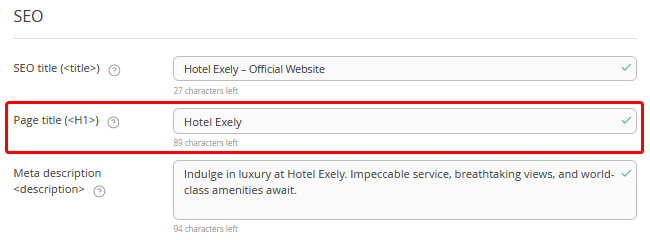
This is the title that the visitor sees on the website page.
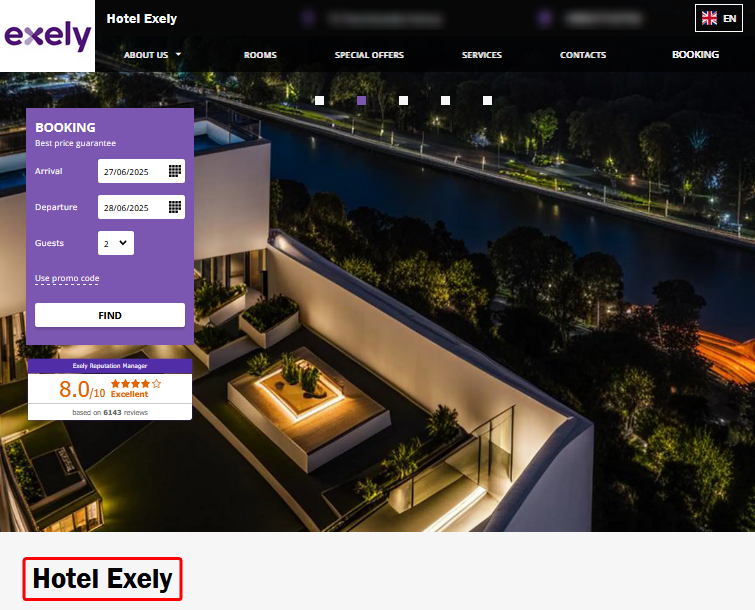
Meta description (<description>)
This section contains a brief description of the page for the search engines. Specify the advantages of your offer, the value and benefit for the guests. We recommend using 150–200 characters.
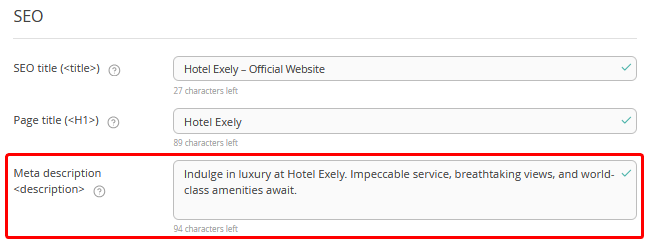
Pay attention. The search engine may replace the description from the “Meta description <description>” field with text from the website, if it better matches the user's search query and more accurately shows the content of the page. This happens if the description is too short or too long, generic, does not match the content, contains many keywords, or is missing, etc.
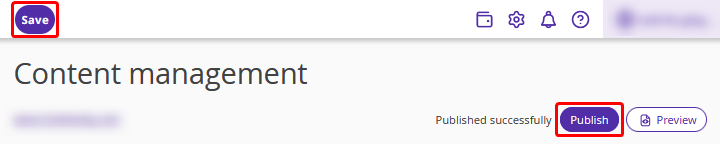
Once all information is added, click the “Save” button at the top of the page and publish the website.