The joint use of Finoko and Exely PMS is beneficial for hotel chains that use Finoko to manage financial analytics across all their properties. Data from multiple hotels is passed into a single Finoko account, which simplifies reporting and comparative analysis of financial performance. The integration works via API.
The following data is passed to Finoko:
charges for bookings for accommodation and paid services;
charges from the sale of services not linked to bookings;
cash payments and card payments processed in Front Desk;
data from the “Market segment” reference.
How to connect Exely PMS to Finoko tools
1. Send a request to your Exely Customer Support manager or Exely Customer Support team.
2. After integration with financial accounting systems is enabled, go to “Property management” > “Settings” > the “Integrations” tab and copy an integration key in the “Financial accounting” section.
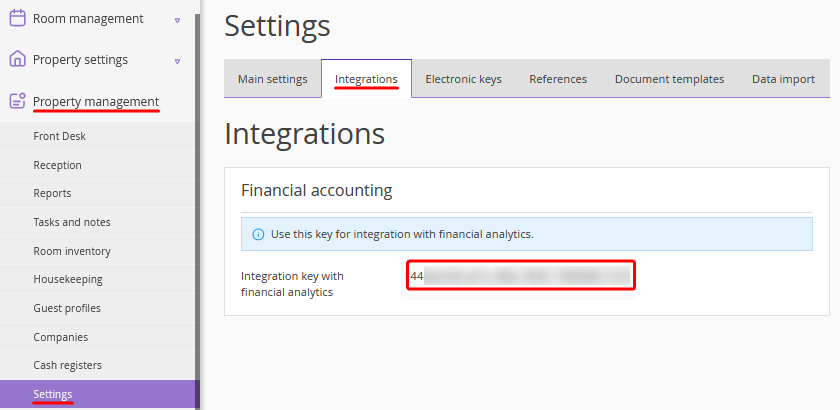
3. Enter the integration key in your Finoko account.
