To access the Exely extranet, all users need to verify their email and set up two-factor authentication. Additional login protection also operates in the Exely Hotelier mobile app — to log into the app on a new device, you need to enter a verification code sent to your email.
When the code is required to log into the Exely Hotelier mobile app
A user logs into the Exely Hotelier mobile app for the first time.
A user logs into the Exely Hotelier mobile app on a new device.
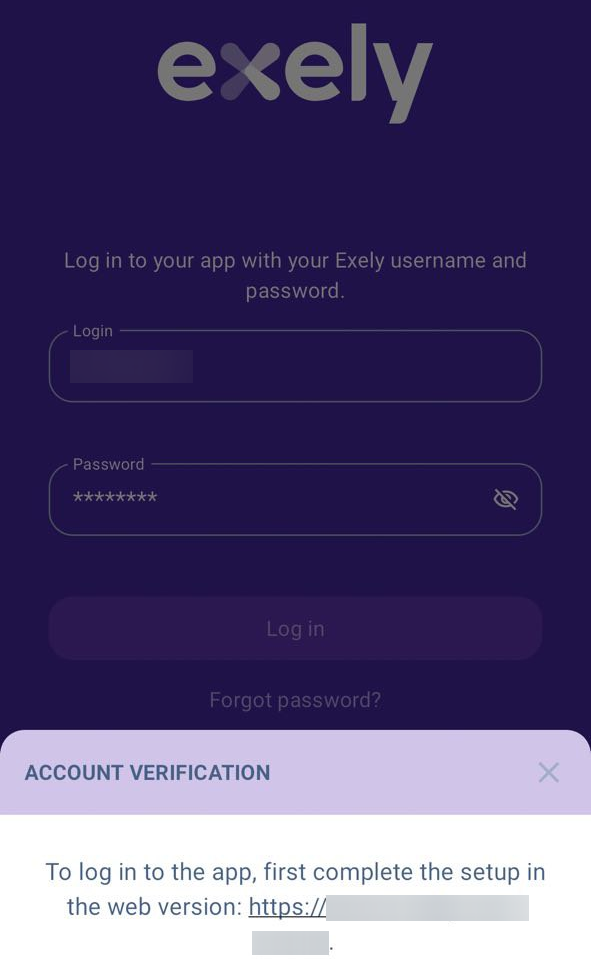
Access to the Exely Hotelier mobile app is unavailable:
If the user's email is not confirmed and two-factor authentication is not set up.
If the user's email is confirmed but two-factor authentication is not set up.
If access is unavailable, to continue working in Exely Hotelier, open the Exely extranet in a browser and set up two-factor authentication using the following instruction "How to set up two-factor authentication via a mobile app".
How to log in to the Exely Hotelier mobile app with two-factor authentication enabled
If two-factor authentication is configured, when logging in to Exely Hotelier from a new device, the user must enter a code from the authenticator app.
