The Exely Hotelier mobile app is an Exely solution for mobile devices.
Where to download the app
For Android: Exely Hotelier for Android
For iOS: Exely Hotelier for iOS
How to log in
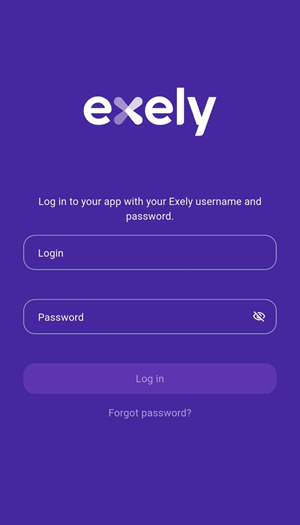
When you launch the app, the sign-in screen appears. Enter your Exely account username and password, then tap "Log in".
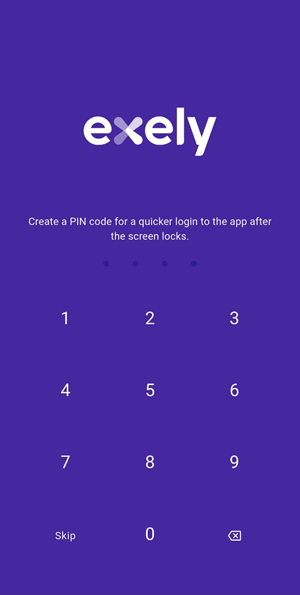
The app will prompt you to set up quick login using a PIN code.
If your smartphone supports Face ID or Touch ID, the app will prompt you to enable biometric login.
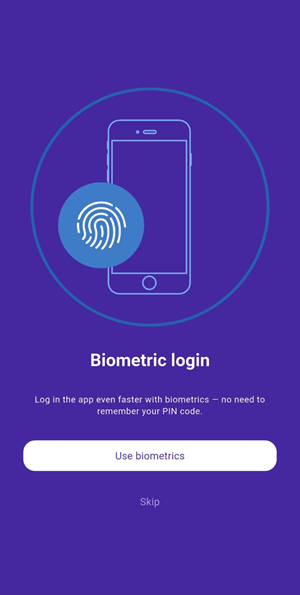
Using Face ID or Touch ID makes logging in faster and more convenient without entering your password or PIN code. If biometric login fails, you will be prompted to enter your PIN code.
You can skip this step and enable biometric login later in "Settings" > "Security" > "App sign-in".
What can be done in Exely Hotelier
The mobile app lets you manage the Exely extranet from anywhere with an internet connection. It includes the main features available in the extranet:
managing bookings and Front Desk;
managing room availability and rate plans;
updating prices;
managing reviews;
and more.