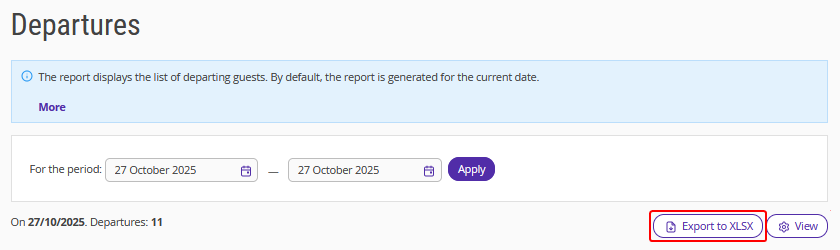
The “Departures” report contains a list of guests scheduled to check out. By default, the report is generated for the current date.
It includes:
- checked-in bookings with check-out dates that fall within the selected date range;
- bookings with the “Checked out” status.
How to generate the report
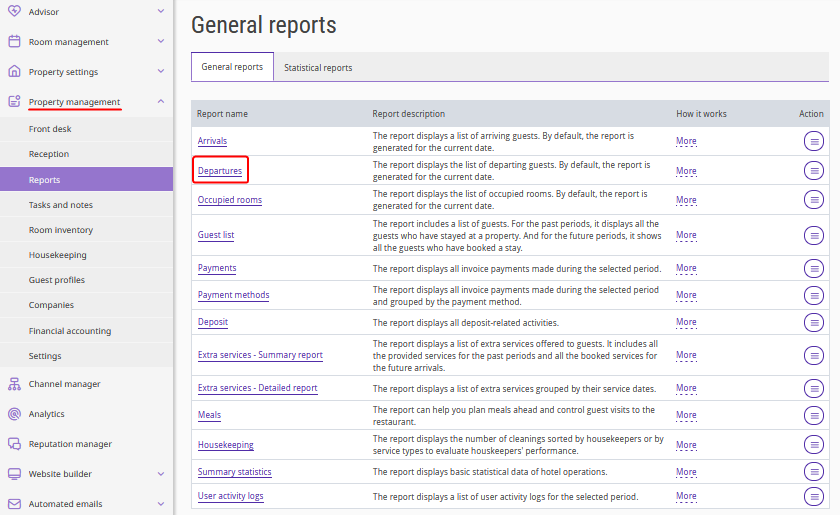
1. In the Exely extranet, go to "Property management" > "Reports".
2. On the “General reports” tab, select the "Departures" report.
3. Specify a date or select the period for which you want to receive the data.
4. Click "Apply".
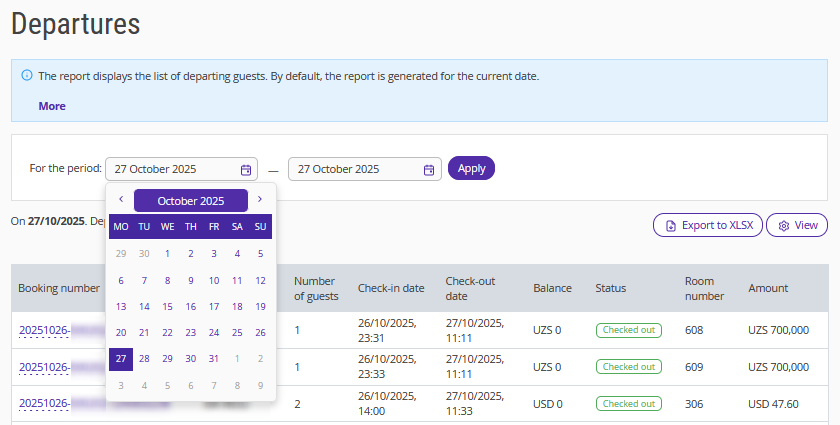
The report displays the following parameters:
- Booking number;
- Guest name;
- Number of guests;
- Check-in and check-out dates and times;
- Rate plan;
- Booking balance;
- Booking status;
- Room number (if assigned);
- Amount;
- Comment;
- Notes.
For quick access, you can open the “Departures” report directly from Front Desk in the “Today’s guests” statistics section by clicking the “Departures” link.
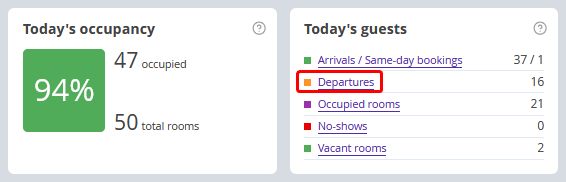
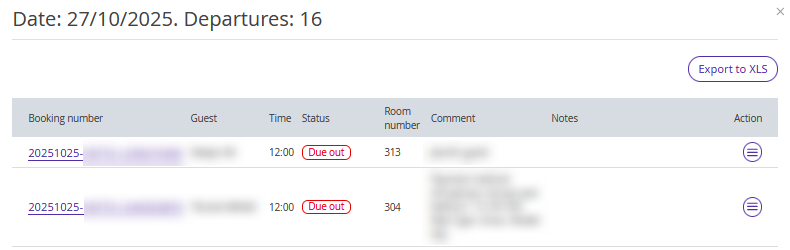
A pop-up window will appear showing a shortened version of the report, including:
- Booking number;
- Guest name;
- Check-out time;
- Booking status;
- Room number (if assigned);
- Comment;
- Notes.
How to customize the data display
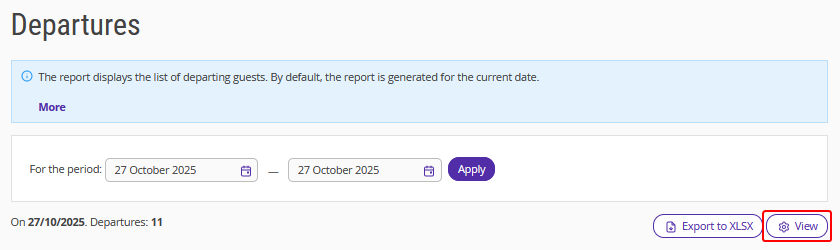
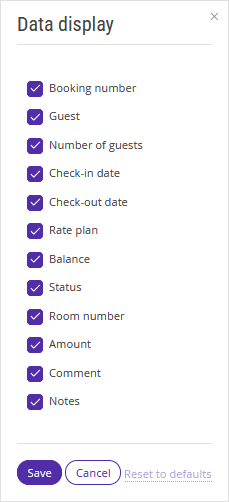
To select the columns to display in the report, click "View". Add the required columns or hide the unnecessary ones.
How to download the report
To download the report, click “Export to XLSX”.