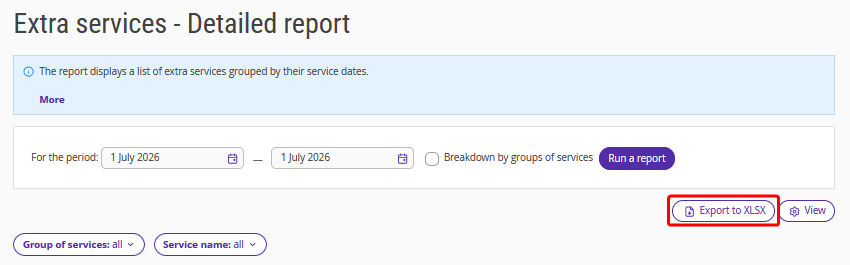
The "Extra services — Detailed" report contains a list of extra services grouped by date of provision.
Pay attention. The report does not include services from bookings in rooms for which “Ignore in statistics” is selected in the room inventory settings.
To generate the report:
1. Select the period for which you want to generate the report.
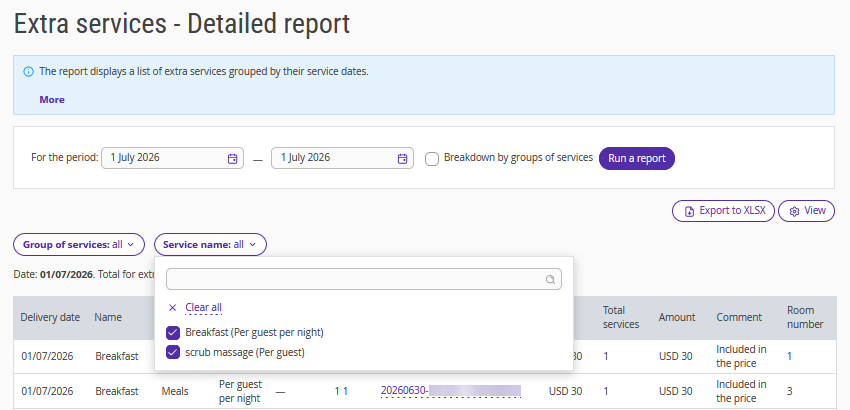
2. In the “Group of services” filter, select one or more groups to limit the report to those groups. You can configure groups in “Property settings” → “Extra services”. The report will then show only services from the selected groups.
3. In the “Service name” filter, select the required service.
4. Click "Run a report".
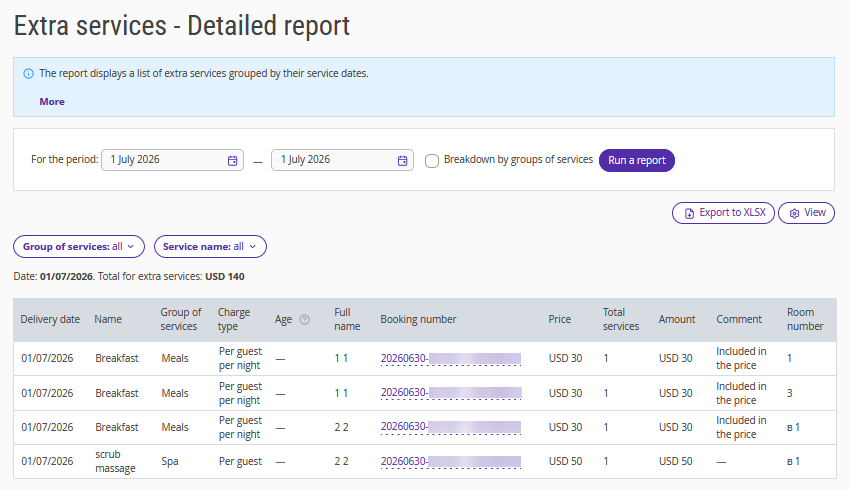
The report displays the following data:
date of the extra service delivery;
name;
group of services — a unit used to organize services in the property settings;
charge type — for details, see the article "What is charge type of service";
age — the price might depend on the guest's age, see details in the article "How to set different prices for services for adults and children";
guest’s full name;
booking number;
price per service;
quantity of services provided;
amount;
comment: service is included/not included in the price;
room number.
To change data display, click the "View" button. Here, you can show or hide columns such as “Group of services”, “Full name”, and others.
How service grouping works
If your property offers many services, you can organize them into groups of services — for example, by profit centre, such as the restaurant, spa, or equipment rental. This makes it easier to understand how much each area contributes to your overall revenue.
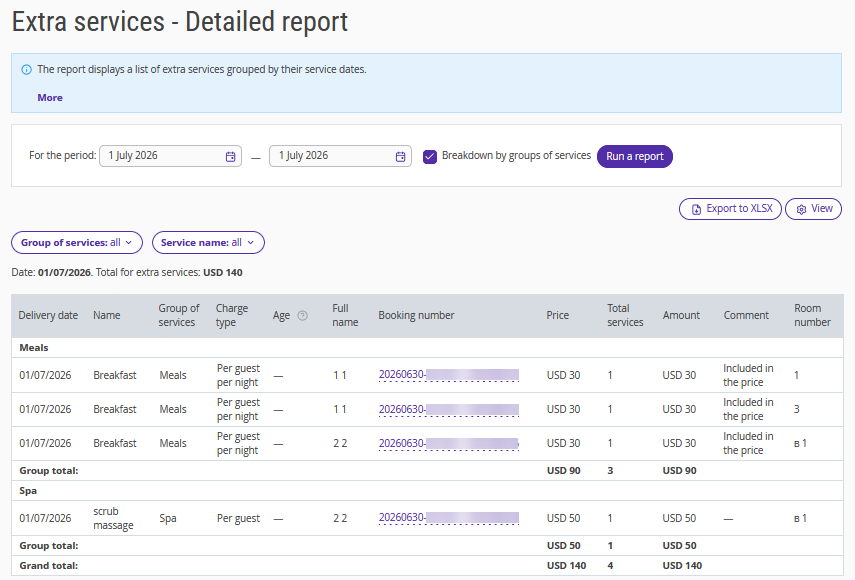
To enable grouping, select the “Breakdown by groups of services” check-box. When grouping is enabled:
services are organized into groups of services;
each group displays its total revenue and share of overall revenue;
services that are not included in any group are displayed in "No group";
the report displays the grand total at the bottom.
“No group” includes services that are not assigned to any group, services from deleted groups, transfers, and services imported from the channel manager.
If your property provides services in multiple currencies, amounts for each currency are displayed separately, separated by commas, and are not combined. Each group's share of revenue is calculated based on the property's default currency.
The report uses the current group names and service assignments from the service settings. If you rename a group or assign a service to a different group, the changes are reflected in all reports, including reports for previous periods.
To work with the report more easily, you can export it using the “Export to XLS” button.