To simplify the rate plan selection process for guests traveling with children, a special filter for child accommodation is available in Exely Booking Engine.
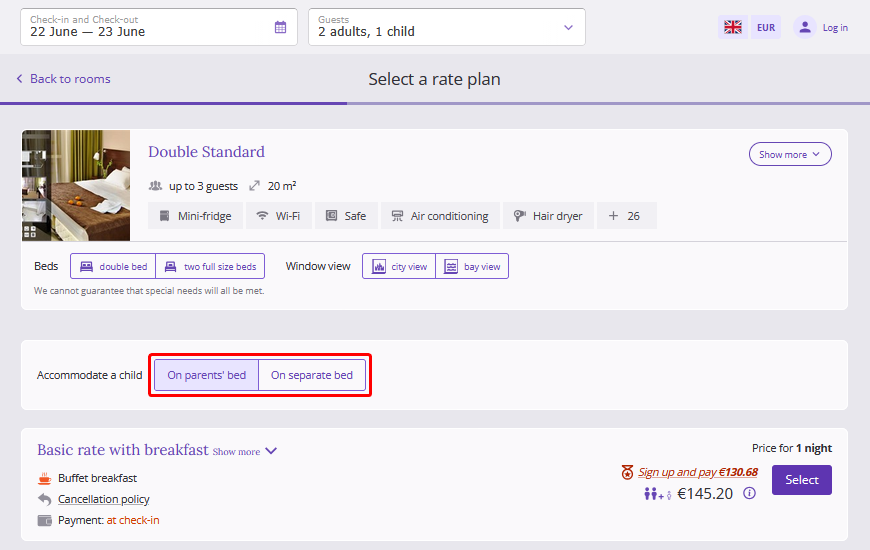
Pay attention. The filter is available only in the booking engine for hotels.
Filter display logic
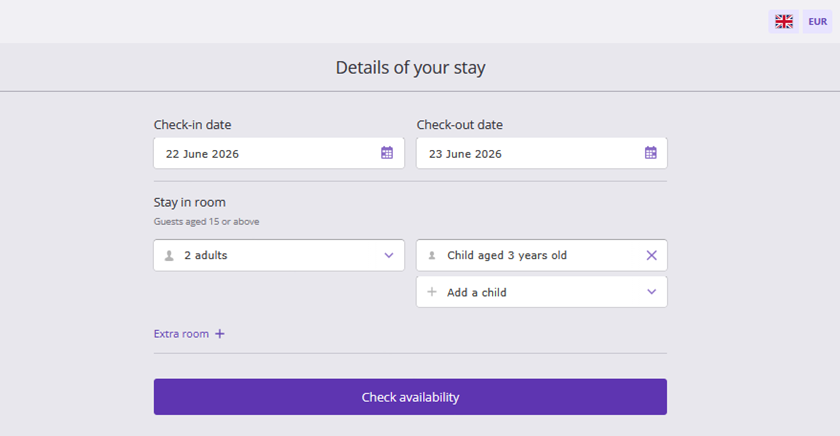
In the booking engine, on the first step, a guest selects their stay dates and specifies the number of guests in a room: adults, children, and the child's age.
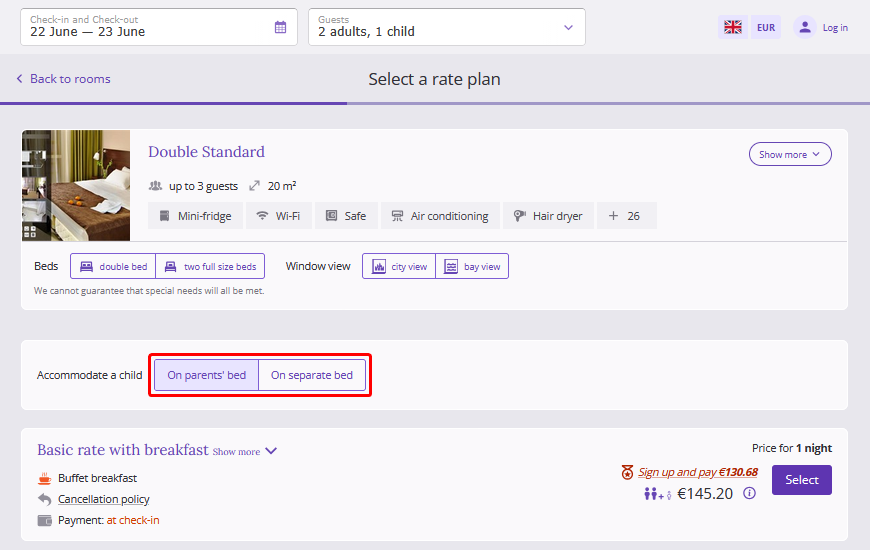
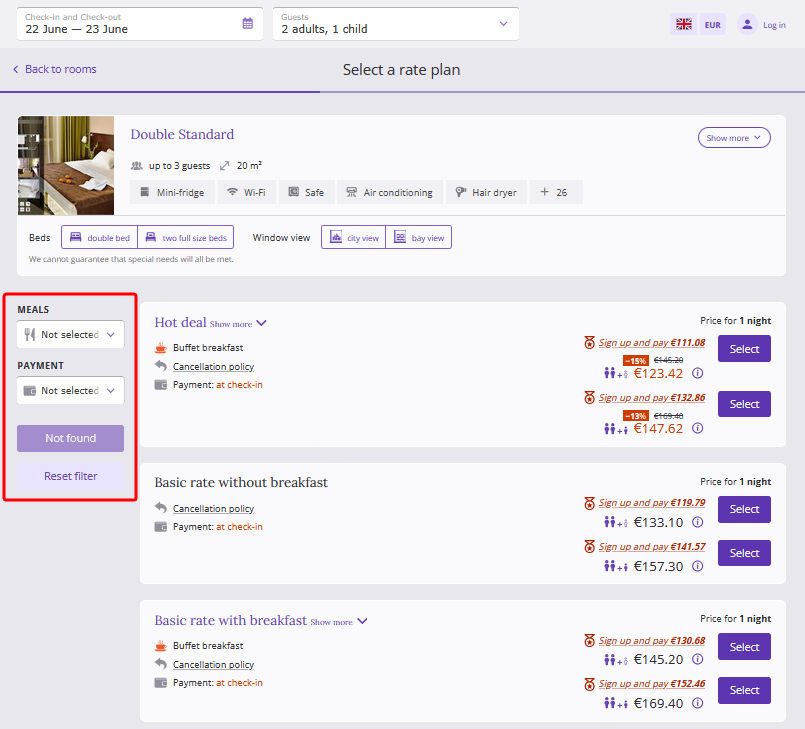
On the rate plan selection step, the guest sees the child accommodation filter with two options: “On parents’ bed” and “On separate bed”.
The filter is selected automatically based on the child's age: if the child is under 6 years old, the "On parents’ bed" option is selected, and the "On separate bed" option is selected for children aged 6 and older.
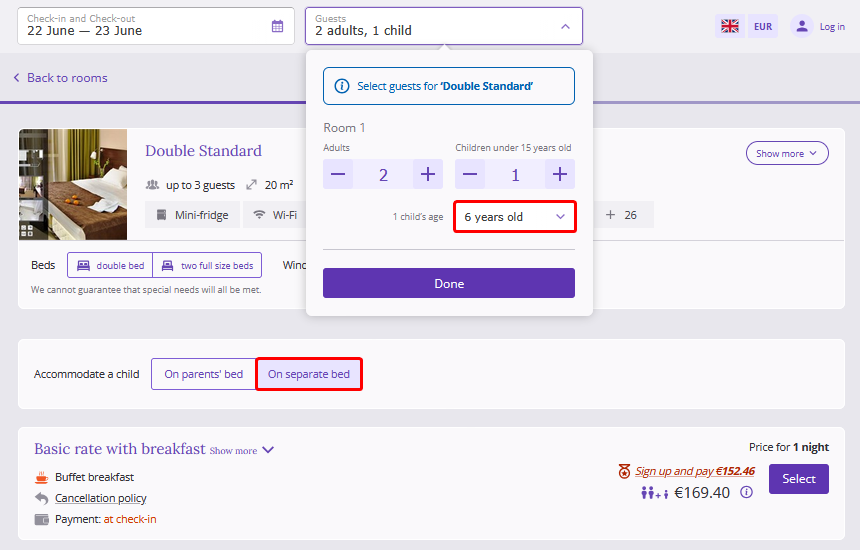
Pay attention. If the guest manually changes the filter and then changes the child's age to an age that would normally trigger a different filter value, the booking engine keeps the filter value originally selected by the guest.
Features
The child accommodation filter is not displayed if:
1. No children are selected in the "Guests" field on the date selection step, or two or more children are selected.
2. The guest is booking two or more rooms.
3. The room type is set to accommodate children only without bed, or only on a main bed or extra bed.
4. The rate plan filter is enabled in the booking engine and three or more rate plans are available for the selected room type.

5. In the booking engine, guests are offered accommodation with room change — Room mix.
