To make staying in your property more attractive for families with children, set up a discount for a child on extra bed. After the discount is set up, you will be able to offer children accommodation on extra bed at a discount or for free at the hotel website.
To activate this type of discount, contact your Customer Support manager or Exely Customer Support team.
Pay attention. The discount for a child on extra bed can be set up only if there are two or more extra beds for children in any room type. If there is only one extra bed in the room types, the discount will not be available.
How to set up the discount
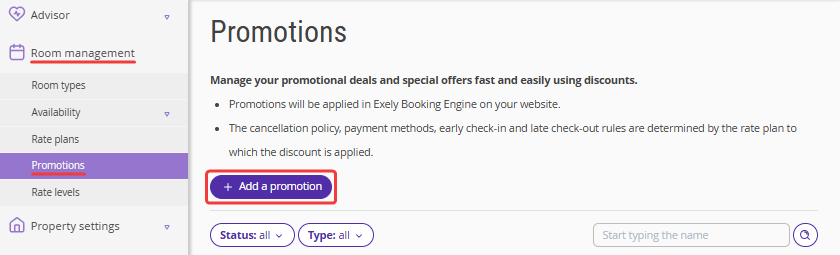
1. In the Exely extranet, go to "Room management" > "Promotions" section and click "Add a promotion".
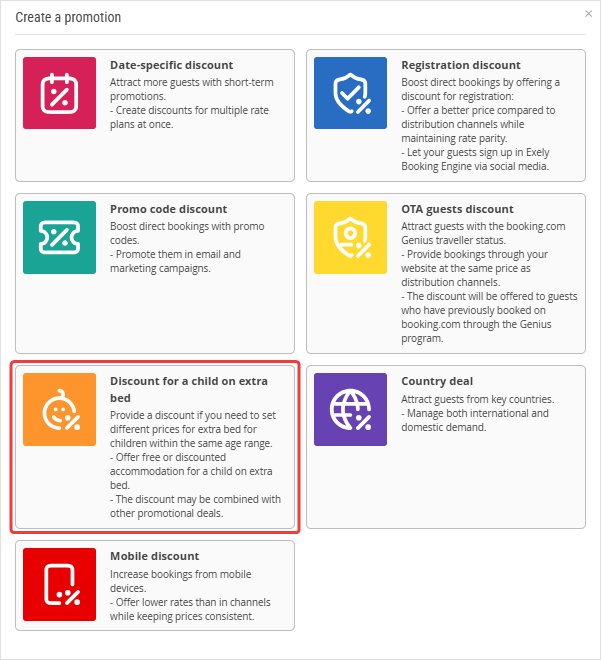
2. Select "Discount for a child on extra bed".
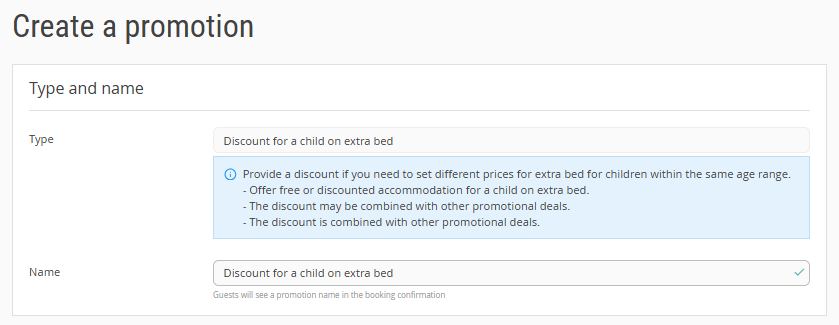
3. On the promotion creation page, enter the promotion name.
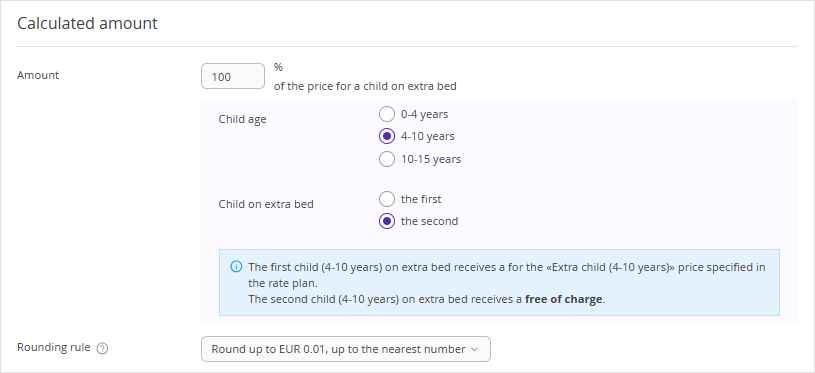
4. In the "Calculated amount" section, specify the discount amount and a child age range. Select which child should get the discount: the first, second or third. Select a rounding rule.
5. In the "Promotion validity" section, select a period of stay, a discount display period, rate plans, and room types with extra beds.
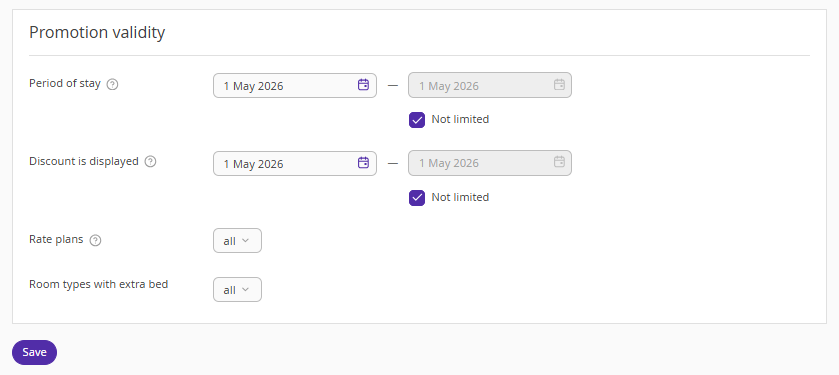
6. Click the "Save" button.
How the discount is counted
The discount is applied for a child accommodation which you selected in the settings. In the example above, the discount for the second child of 4-10 years was created. The discount amount is deducted from the price for accommodation of a child of the selected age range on extra bed, which is indicated in a rate plan. The cost of stay for other children will be calculated at the selected rate. The discount will not work for children of other age ranges.
How the discounts are summed up
The discount is summed up with other discounts. For example, if you set up a 10% discount for specific dates and a 100% discount for the first child on extra bed, guests will get both discounts.
What happens to the discount if a booking is modified
1. If you change the dates of stay for a booking in “Reports” > “Bookings”, the discount will be automatically applied to all days.
If you work with Exely PMS, you can set the discount manually.
Pay attention. If the discount for a child was changed after the booking was made, the initial discount amount will remain the same after the booking dates are changed.
2. If a guest changes the terms of stay (dates, rate plan, services) for a booking, the discount is recalculated based on the current parameters. For example, if the discount for a child on extra bed has changed from 100% to 50%, the new discount will be applied.
