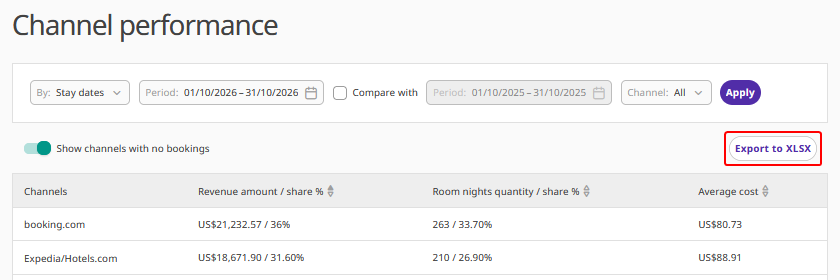
The “Channel performance” report in Exely Analytics provides data on the sales of channels connected via Exely Channel Manager and helps evaluate their efficiency.
To generate the report, data for each individual channel is analysed for the selected period.
The report shows:
the total revenue received from each channel for the selected period, and its share of the overall revenue from all channels;
the number of room nights received from each channel for the selected period, and its share of the total number of room nights from all channels;
the average cost per night received from each channel for the selected period. This value includes accommodation cost, services included in the rate plan, and services at extra cost.
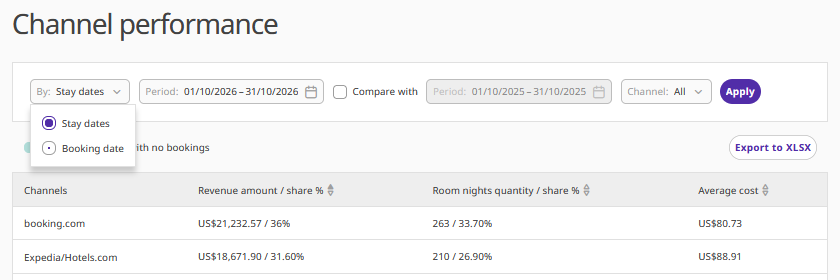
Pay attention. The metrics in the report are calculated based on the guest’s stay dates or booking date.
How to generate the report
1. In the Exely extranet, go to “Analytics” > “Channel performance”.
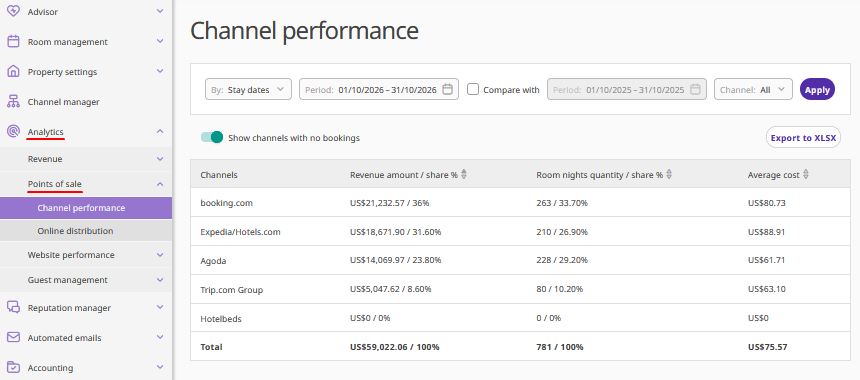
2. Select one or several filters to generate the required report
By stay dates or booking date.
By a specific period. If necessary, select other periods and compare them.
By channels.
3. Click the “Apply” button. The data in the report will be recalculated based on your selections.
Additional features
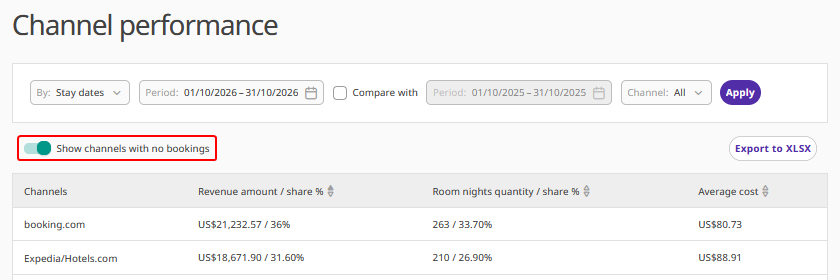
By default, the report displays channels without bookings. If necessary, deactivate the “Show channels with no bookings” setting. In this case, the report will include only the channels that delivered bookings during the selected period.
Click “Export to XLSX” to download the report.