Exely Service Hub helps you set up and sell extra services, create orders, and manage the availability of staff, locations, and equipment.
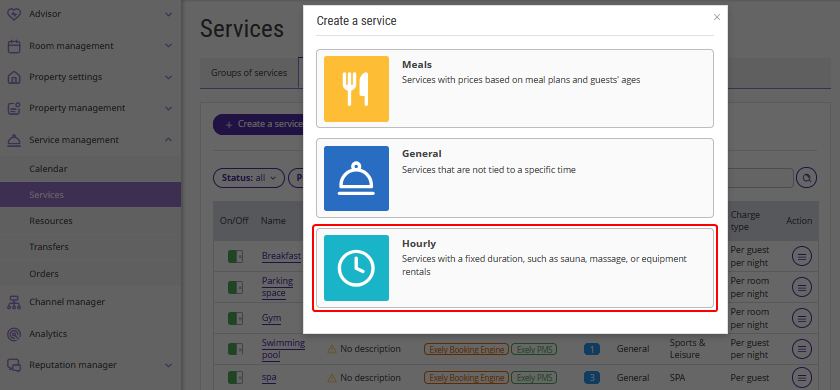
An hourly service is a service that a guest books for a specific date and time with a fixed duration, such as a 90-minute massage or a two-hour sauna session.
Guests can book services themselves on the website. Booked services are automatically displayed in "Services" > "Calendar". If a guest contacts the property by phone, messenger, or in person, an employee can create an order manually.
To enable the option to create and set up hourly services in your Exely extranet, contact your Customer Support manager or Exely Customer Support team.
Pay attention. In the booking engine, hourly services can only be offered to guests for an extra fee. They cannot be included in the rate plan.
