The "Arrivals" report contains a list of guests arriving at the property. By default, the report is generated for the current date.
How to find the report
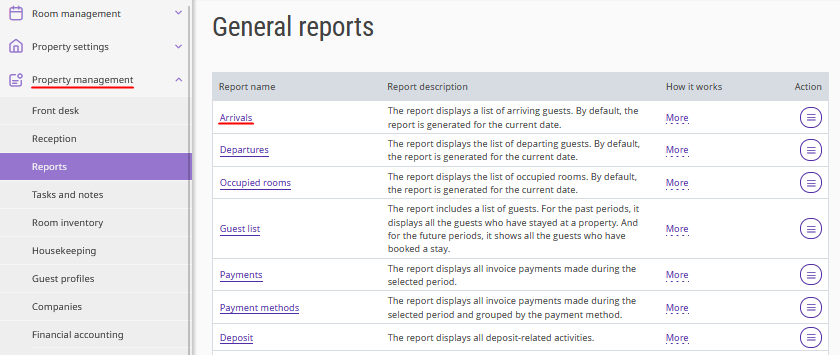
1. In the Exely extranet, go to "Property management" > "Reports".
2. In the "General reports" section, select the "Arrivals" report.
How to generate the report
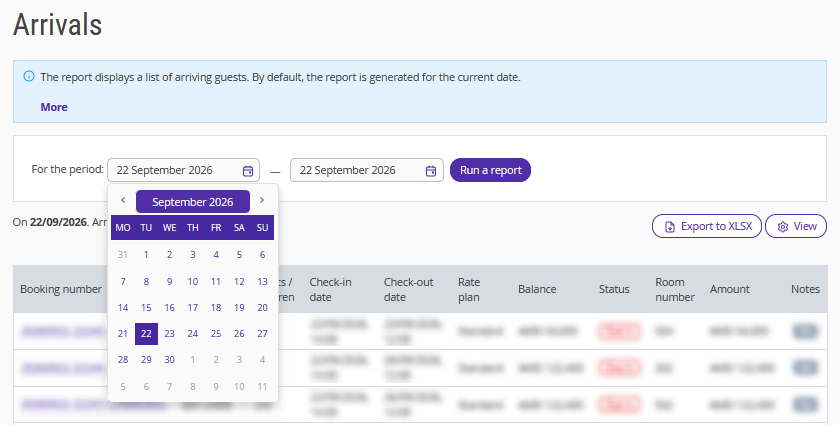
1. Specify a date or select the period for which you want to receive the data.
2. Click "Run a report".
The report displays the following parameters:
booking number;
guest full names;
number of adults and children;
primary guest phone number;
primary guest citizenship;
check-in date and time;
check-out date and time;
rate plan;
booking balance;
booking status;
room number, if a room is assigned to the booking;
cleaning status;
booking cost;
guest comment;
notes.
How to customize the data display
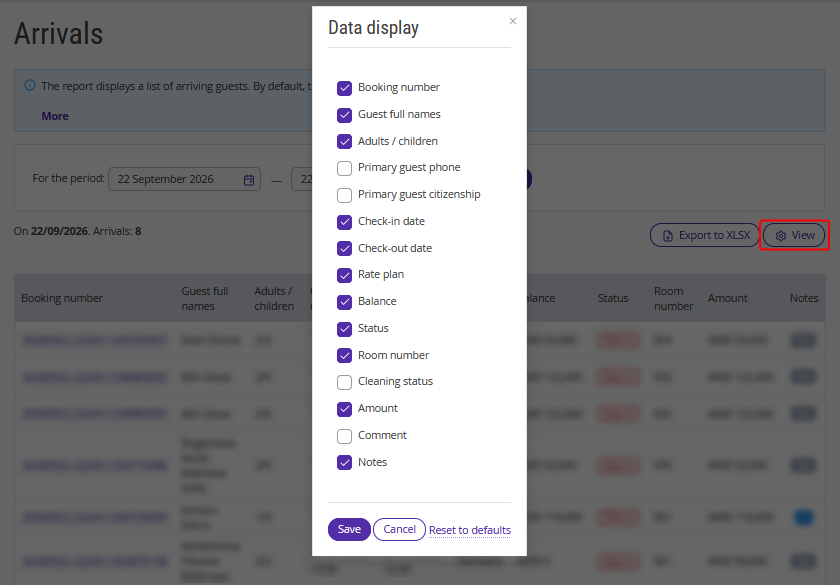
To select the columns to display in the report, click "View". Add the required columns or hide the unnecessary ones.
How to download the report
To save the report to your device in XLSX format, click "Export to XLSX".
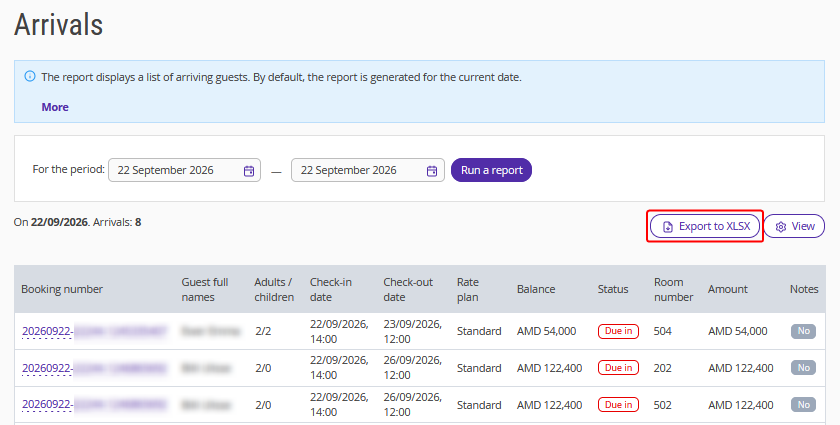
When exporting, the "Adults / children" column is split into two columns:
"Checked-in adults" — the number of adult guests;
"Checked-in children" — the number of children.