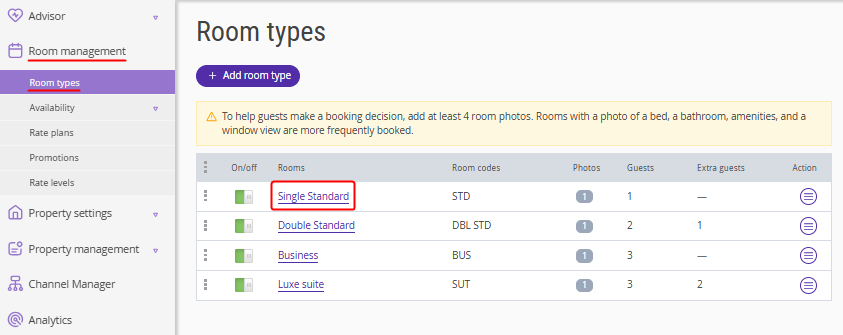
1. In the Exely extranet, go to "Room management" > "Room types". Click the room type name to open it for editing.
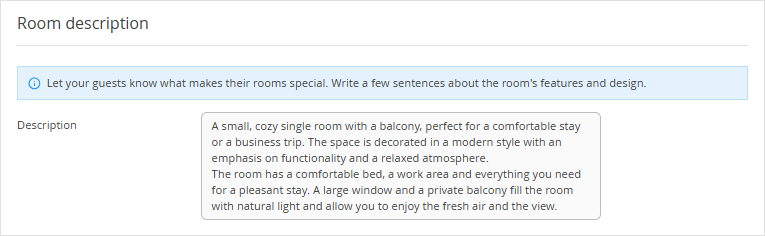
2. In the "Room description" section, add 2–3 sentences describing the room type features and design.
Do not list room amenities in the description. Instead, specify them in the "Room amenities" and "Room preferences" sections. For details, refer to the article “How to add room amenities and set preferences”.
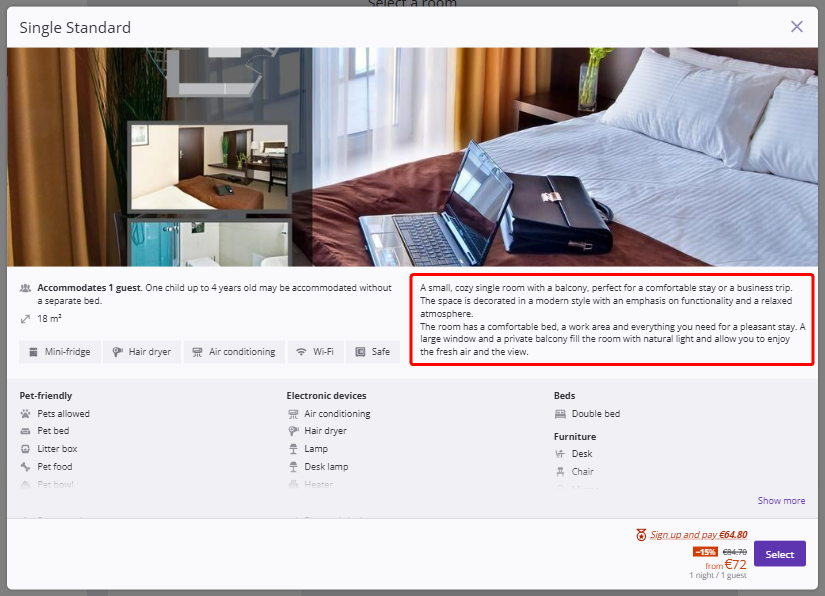
In the booking engine, guests can read the full description in the room details card.