How to cancel an order
1. In the Exely extranet, go to the “Payment links” > “Orders” section and find the required order: for example, specify the order number, guest’s full name or phone number in the search field.
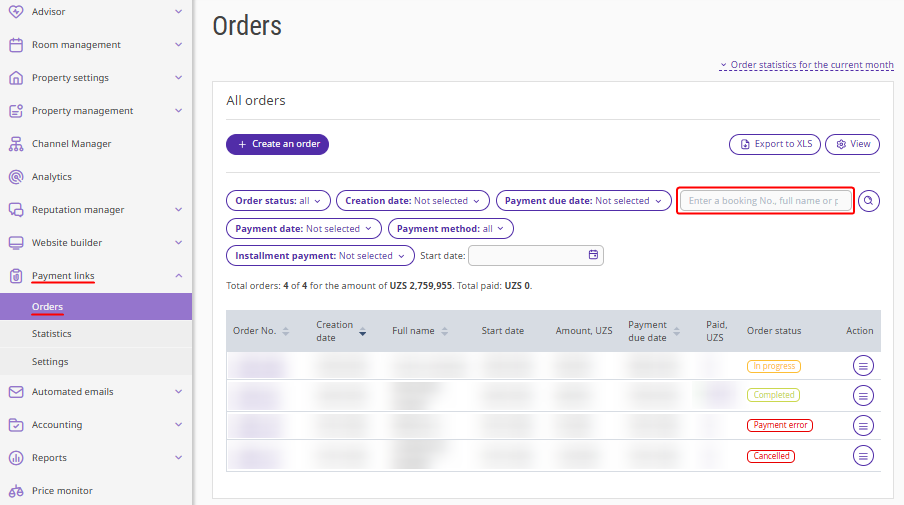
2. Open the order details page by clicking the order number, or “Action” > “Order details”.
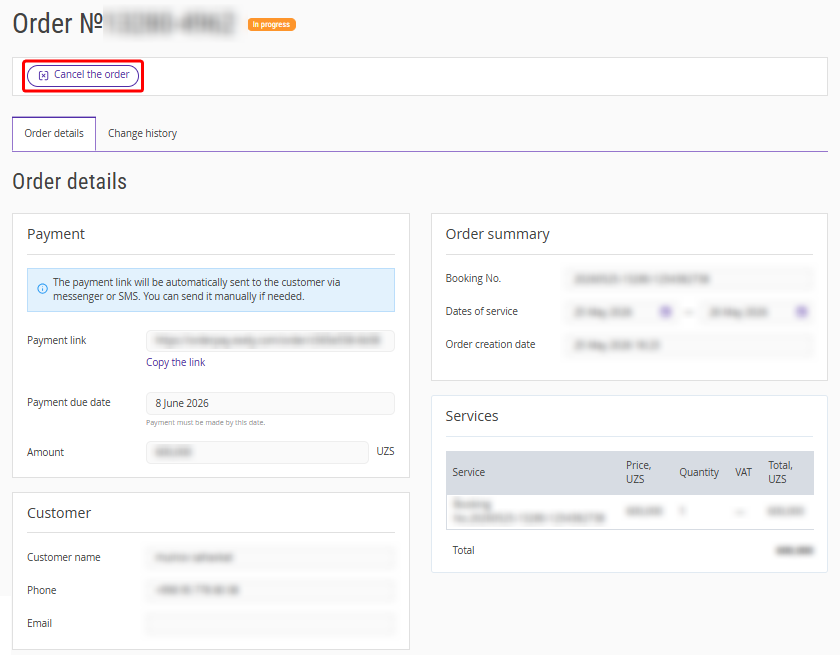
3. On the order details page, click the “Cancel the order” button.
4. In the opened window, click “Yes, cancel” to confirm cancellation. The order is canceled.
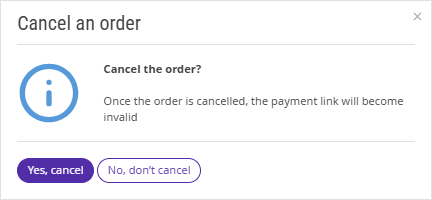
The order status will change to “Cancelled”. If the order was not yet paid, the payment link will become invalid.
How to make a refund
At the moment it is not possible to refund payments directly in Exely extranet. Refunds can only be issued in your account in the payment system through which the payment was made.
Pay attention:
Refund terms and conditions may vary depending on the payment system used.
If you have any issues processing refunds, please contact your payment system's customer support team for assistance.
