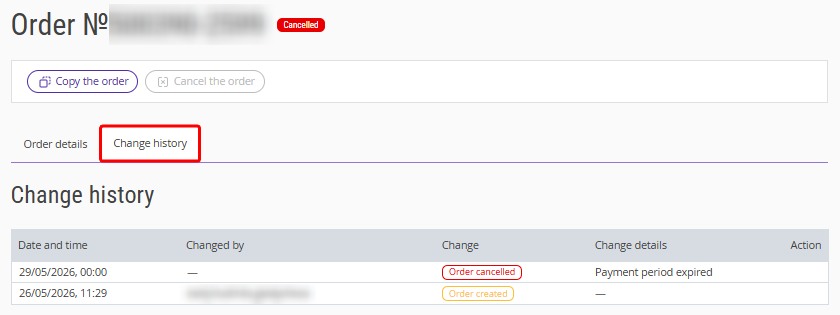
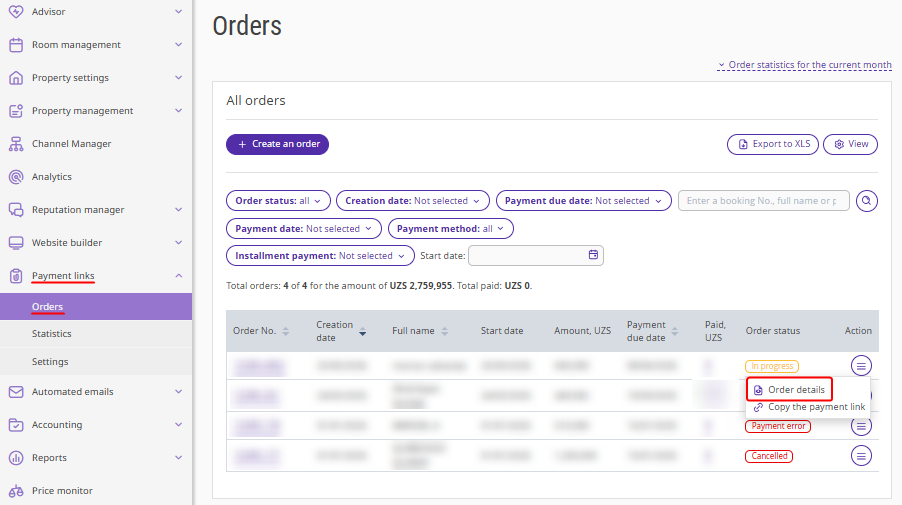
The order details card in Exely Payment Links contains information about the customer, the services included in the order, and the change history. It can be accessed in the "Payment links" > "Orders" section by clicking the order number or selecting "Action" > "Order details".
Order details
The tab contains the detailed information on the order.
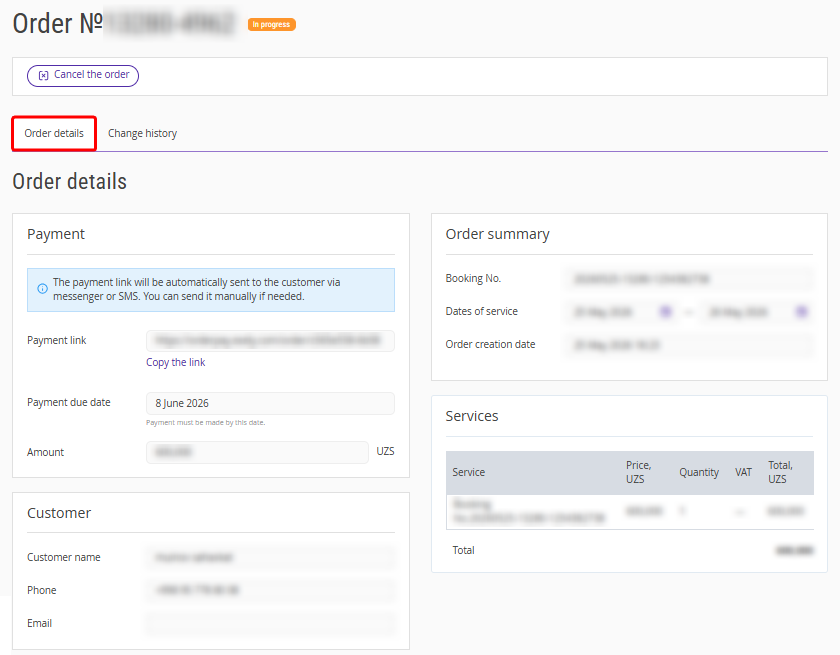
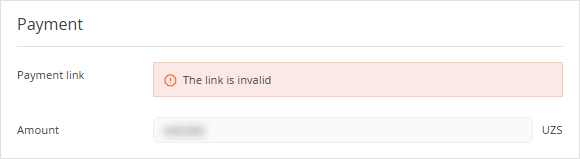
The “Payment” section contains the information about the order amount and the payment due date.
For orders with the “Pending payment” status, you can copy the payment link and send it to the customer.
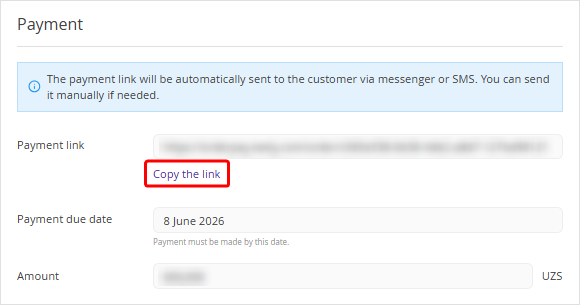
If the order has the “Cancelled” status, the link is shown as invalid.
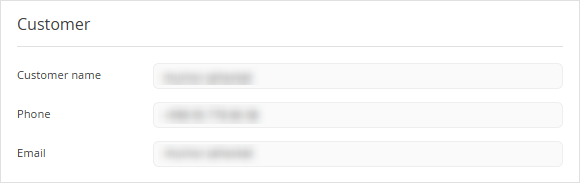
The “Customer” section contains the customer’s full name, phone number and email address.
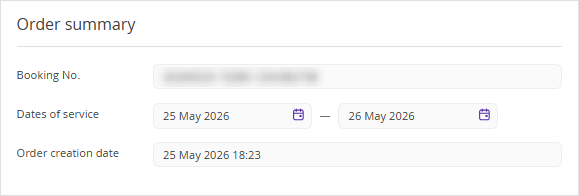
The “Order summary” section shows the dates of service, the order creation date and additional information on the order.
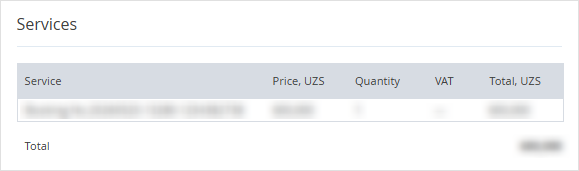
In the “Services” section, the information about the services included in the order is stored.
Change history
The “Change history” tab shows the history of changes performed to the order.