When filling in data and designing an automated email template, you can choose a mode: block or HTML.
In block mode, the email template consists of blocks that can be activated using a switch.
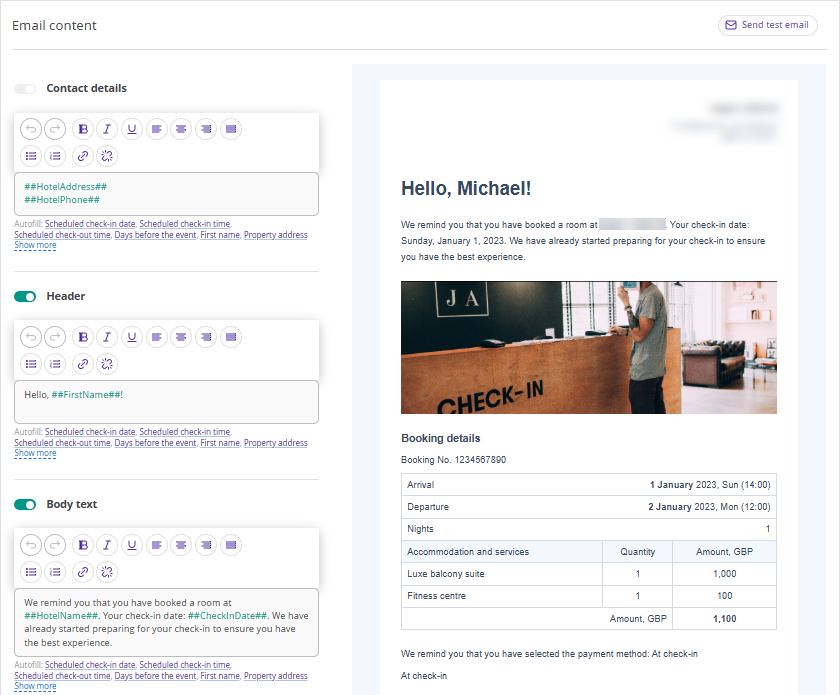
Instructions on how to set automated emails in block mode are described for each email type. For more details about automated email types, see the article “What types of automated emails can be set up in Exely Guest Relations”.
In HTML mode, the template appears as a page with code that can be edited.
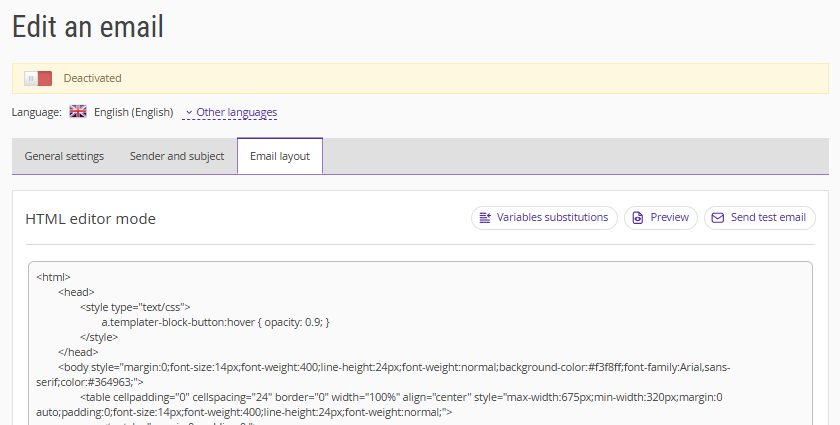
HTML mode allows you to create a unique email design.
How to switch to HTML mode
1. In the Exely extranet, go to "Guest management" > "Guest relations" > "Emails".
2. Create a new email or select an existing one, then switch to the "Email layout" tab and click "Switch to HTML mode".
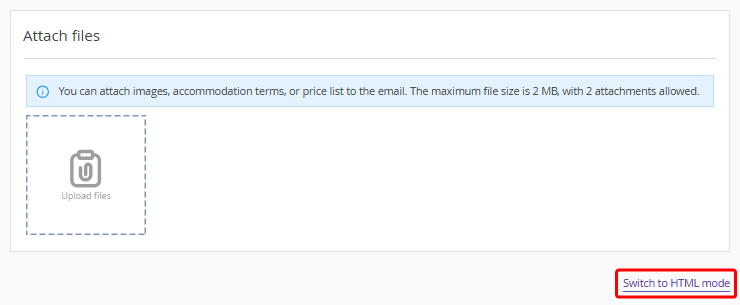
Pay attention. When switching from block mode to HTML mode, all changes are saved. If you make changes in HTML mode, you cannot switch back to block mode. The email will be sent to guests exactly as it was saved in HTML mode.
How to work in HTML mode
1. Set styles, texts, and custom blocks for emails, insert a ready-made HTML email, or edit the existing blocks.
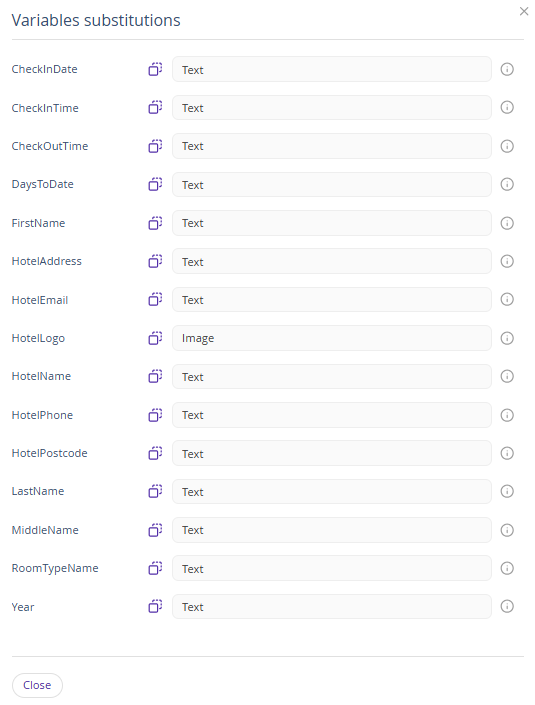
2. When creating an email, use variable substitutions.
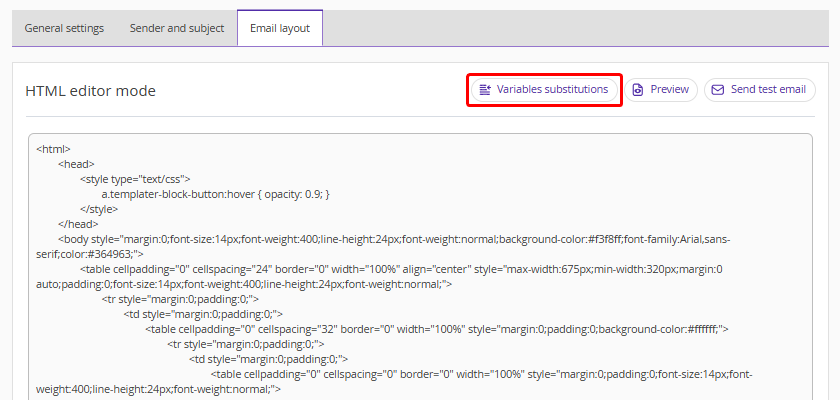
3. Select the required variables from the list, copy them, and paste them into the HTML code.
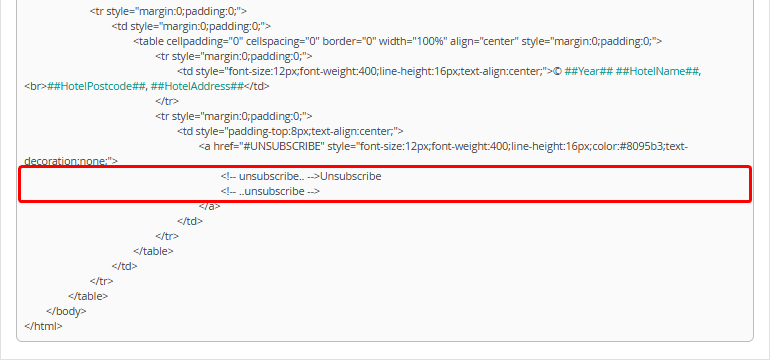
Pay attention. The "Unsubscribe" field cannot be removed — the email will not be saved without it.
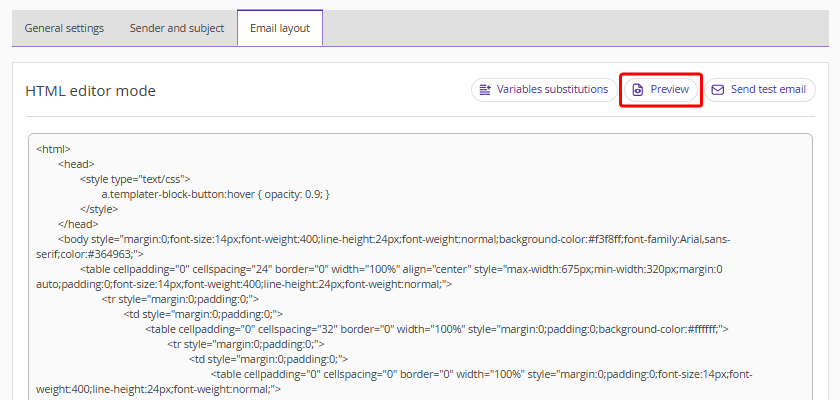
4. Click "Preview" to check the email before sending.
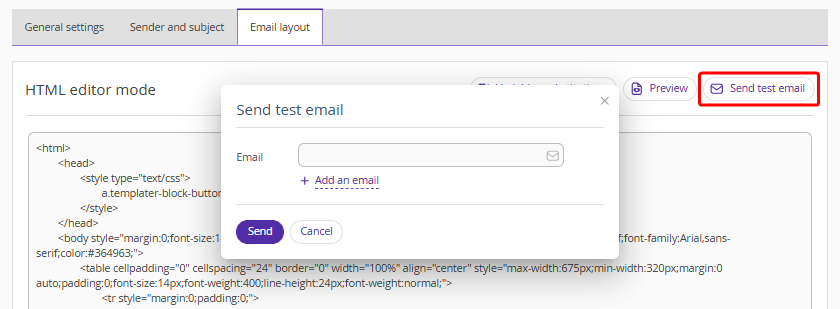
5. Click "Send test email" and enter an email address to receive a test message — you will see how the email will look for guests.
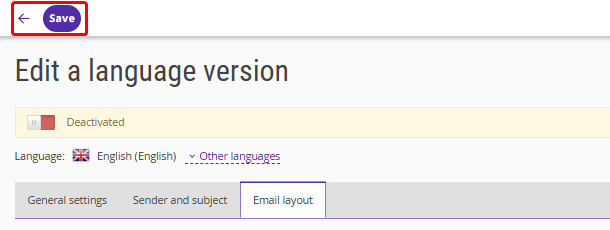
6. After entering all required data and completing the email design, click "Save" or click the arrow and select "Save and leave".
For more details about working in HTML mode, see the article “How to work with automated emails in HTML mode”.
