References in Exely PMS is a tool for extending default settings.
For example, a specific payment method is used in your proeprty that is not available in Exely Suite. Or bookings are coming from a point of sale that is not indicated in Exely PMS. In these cases, add the payment method and point of sale to "References". Then, you will be able to select them for bookings.
To add a new element to a reference, follow the steps below:
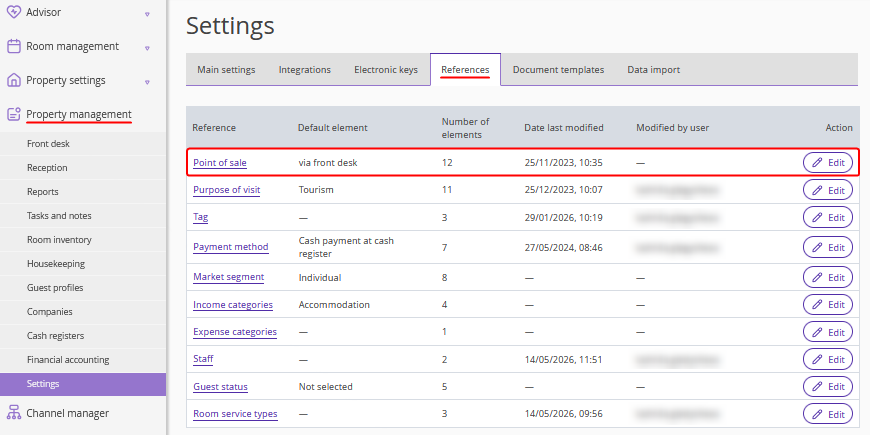
1. Go to “Property management” > “Settings”. Switch to the “References” tab and click the required reference.
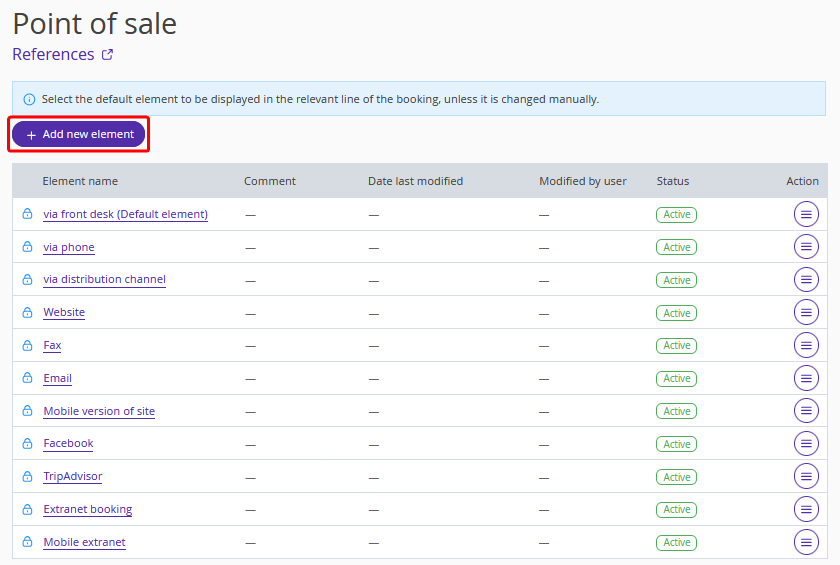
2. Click the “Add new element” button to add new options to the reference.
For details on how to set references, refer to the articles: