Exely PMS is an automated property management system running on Exely servers. You don't need expensive hardware or special software to use it: any modern device is enough — a computer, laptop or tablet, and access to the Internet.
To find the Front Desk in Exely Property Management System, go to “Property management” > “Front Desk”.
The front desk is a hotel booking calendar in a grid format. Calendar dates are set as columns, and hotel rooms grouped by categories are set as rows. A room line also displays its floor number, its building and its housekeeping status.
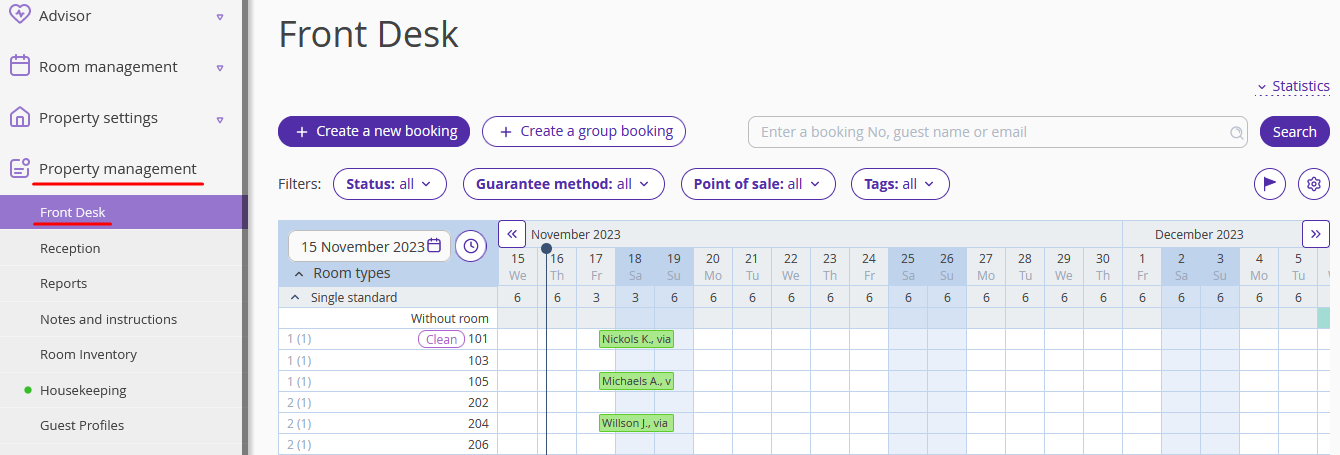
At a cross-point of a certain date and a name of room category, there is the number of vacant rooms. If a cross-point square is blank, it means that the room is vacant, and it can be assigned to a booking. For example, in the picture above room 202 is vacant in November, while room 204 is booked from November 17 to November 19.
A booking can cover the whole day or just a half if this is either arrival or departure day. In the picture below, the guest will check-in room 204 at 2 pm on November 17 and check-out at noon on November 19.
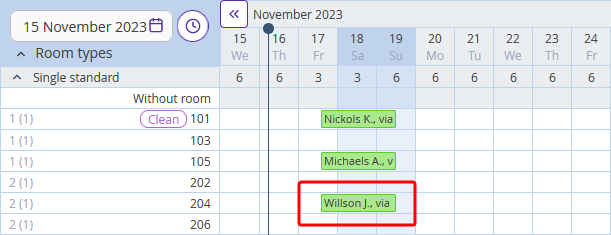
To make it easier to manage bookings in the tape chart, bookings turn different colors.
The grid is divided into two parts with a vertical line which is put in the current date column. In the picture above, it is November 14.
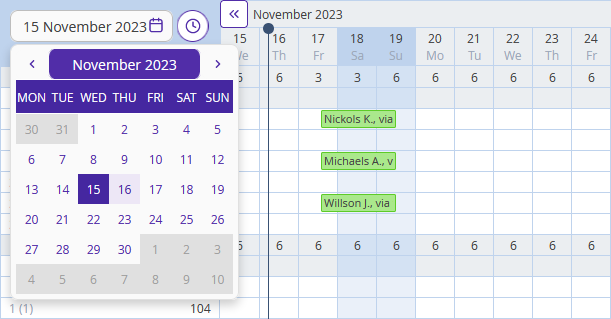
To see another date, select it in the calendar in the upper left-hand corner on the Front Desk chart.
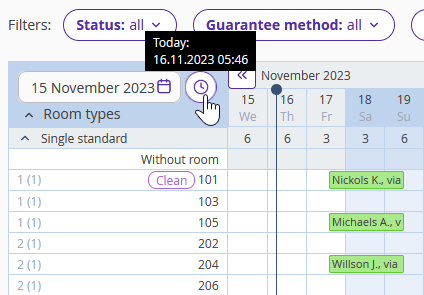
To go back to the current date, click on the clock icon next to the calendar.
Exely Property Management System is able to sell rooms not only for daily rent, but also for several hours. With hourly bookings, you can work throughout the day without creating additional rates. Such a reservation is created as easily as a regular one.
Click the "Day" button to switch to the hourly reservation mode. Select the desired hours in the Front desk calendar with the mouse and create an hourly booking.
Get an overview of current availability
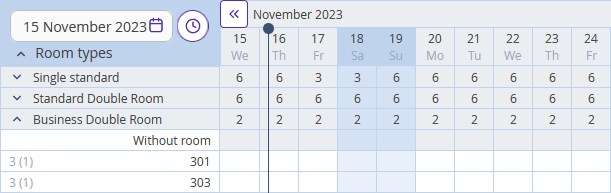
Rooms in the front desk are sorted by room categories by default. To the right of a category’s name, there is the number of vacant rooms of this category.
Click on a category name to collapse and extend the list of rooms. If all the room categories are collapsed, the front desk looks like an availability grid.
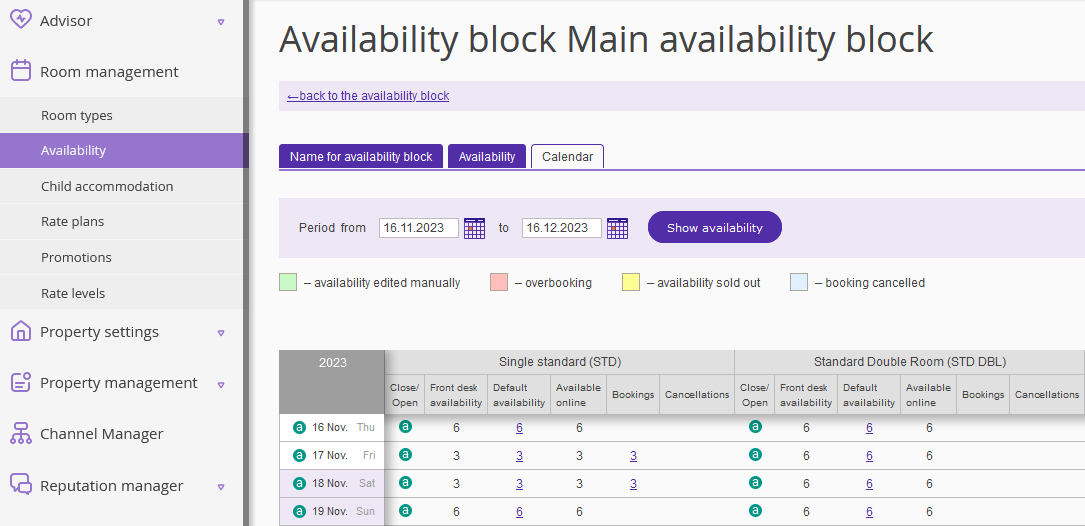
You can check the availability in “Room management” > “Availability” > “Calendar” tab.
Read more in the article How to manage availability if you use Exely PMS
Monitor statistics
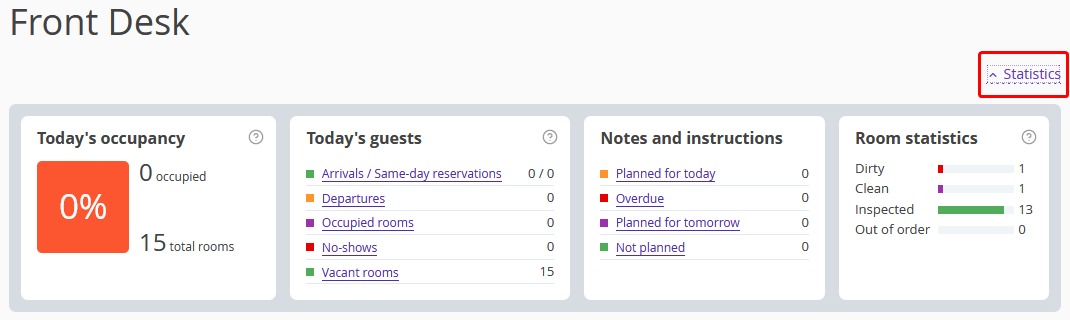
In the upper right corner of the “Front Desk” page, there is a "Statistics" unit displaying current information on rooms. If you cannot see it, click the “Statistics” button on the right.
What it displays
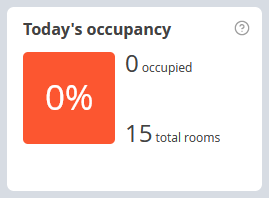
Today's occupancy — information on sales and percentage of currently occupied rooms. The rooms that are “Out of order” and the ones, that were set not to be taken into account for statistics, are not included in total rooms number.
A room gets into sales report if:
a guest checked in — the bill is settled before the check-out
a guest did not check in yet — the bill is settled before the check-in
If the same room is booked twice, it is considered sold.
Today’s guests — number of arrivals, departures, no-shows, occupied and vacant rooms. The lists of guests opened by clicking.
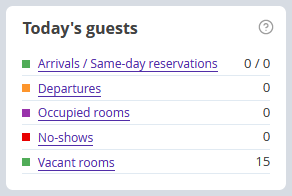
Same-day reservation is a booking that is made on the day of arrival. The sooner a hotel manager sees it, the better, as the room has to be done in no time.
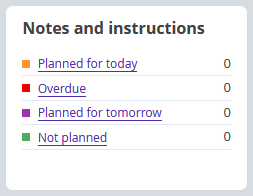
Notes and instructions is information on planned and overdue notes. Notes go to overdue section if they were not marked done on time.
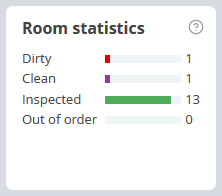
Room statistics — information on number of rooms that require cleaning, inspection or are out of order.
Find bookings by setting filters
There are filter buttons at the top of the page. They help to find a certain booking by its status, payment method, points of sale or tags. When you set filters, bookings that do not meet filter criteria become transparent in the tape chart.
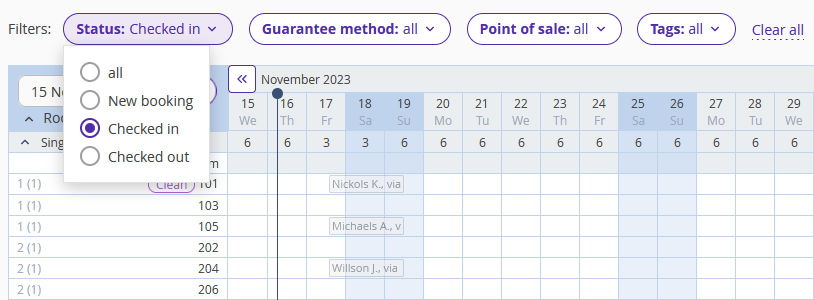
Click “Clear all” to reset filters.
Save time on editing bookings
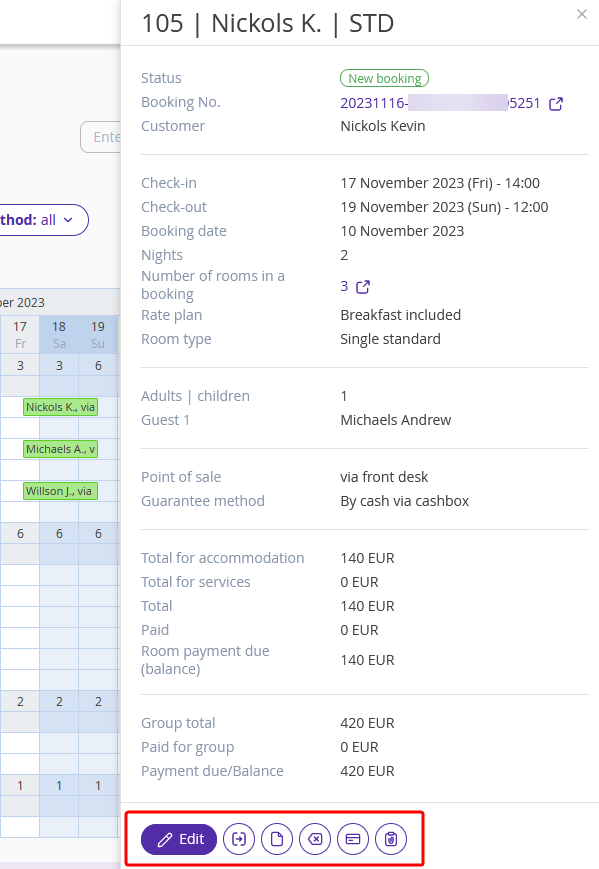
Things you can do without opening full information on a booking:
settling a bill;
creating a key;
creating notes.
Left-click on a booking and choose an option in the window opened.
Keep the rooms clean
The Housekeeping extension allows you to receive up-to-date information about room status every day and clean rooms on time. The extension is available in two versions — basic and full.
Unlike the basic version, the full one provides more features: you can organize regular cleaning and schedule an unscheduled one, make a maintenance plan, monitor the condition of rooms, and much more.
Set different access rights to Exely PMS
Create separate username for each employee who works with Exely PMS. This way you can easily track the history of changes and configure access levels.
There are four types of access rights for Exely PMS Front Desk: "Management", "Reception", "Housekeeping supervisor" and "Housekeeper". Each of them has a different access level and a set of actions that an employee can perform. Read more in the article "Types of access rights in Exely PMS".
